
PICK A VIBE
Find your next stage.
Browse the scenes or start with your photos right here. Choose the effect in the form; each scene page has more details about its look and photo requirements.
The studio
Start with your photos.
Add your photos and choose a template here. No need to open another page to prepare your video.
Find your next stage.
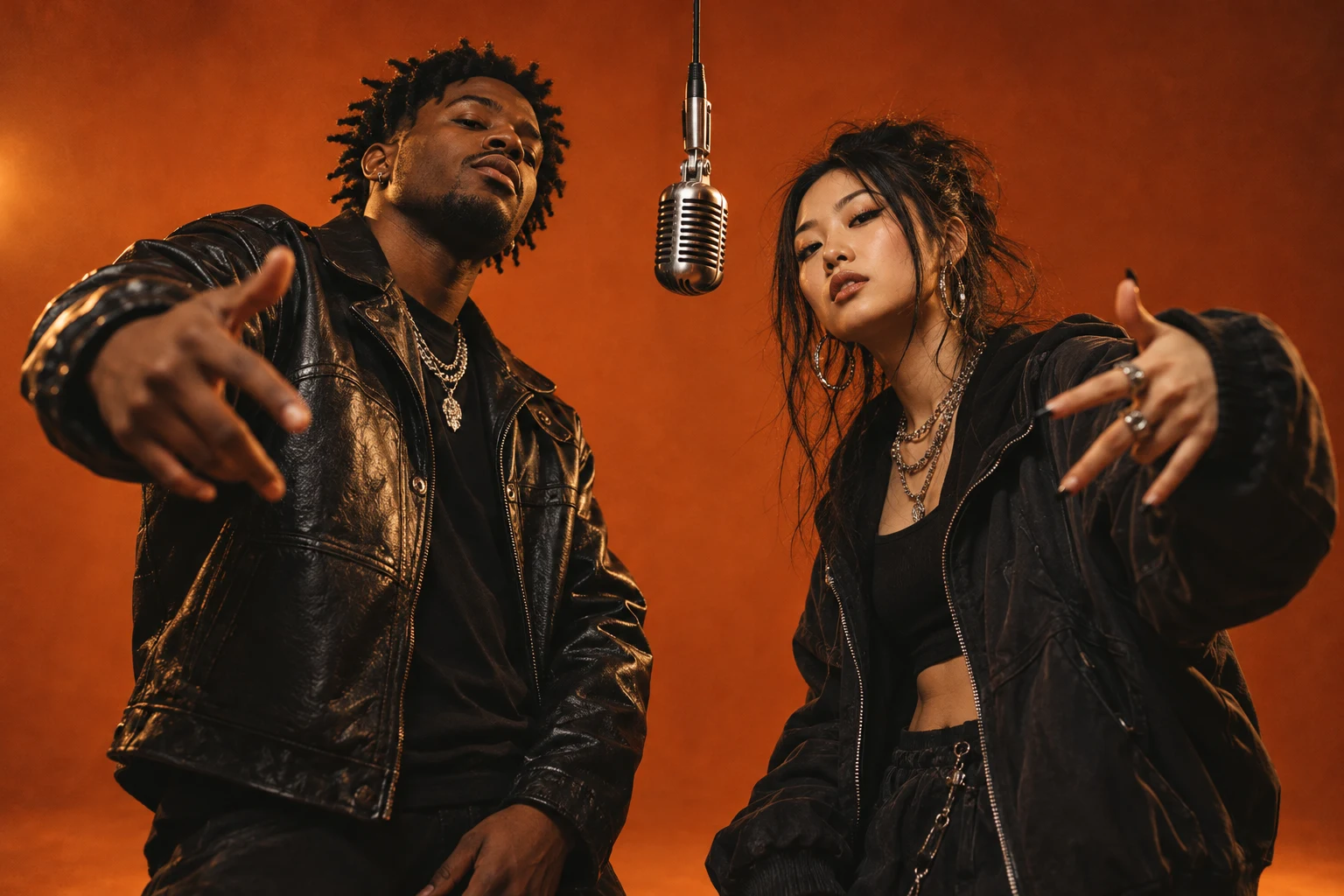 STAGE CONCEPT
Hotel Lobby AI
Explore the orange-booth duet: two performers, one hanging microphone and a recognizable template direction.
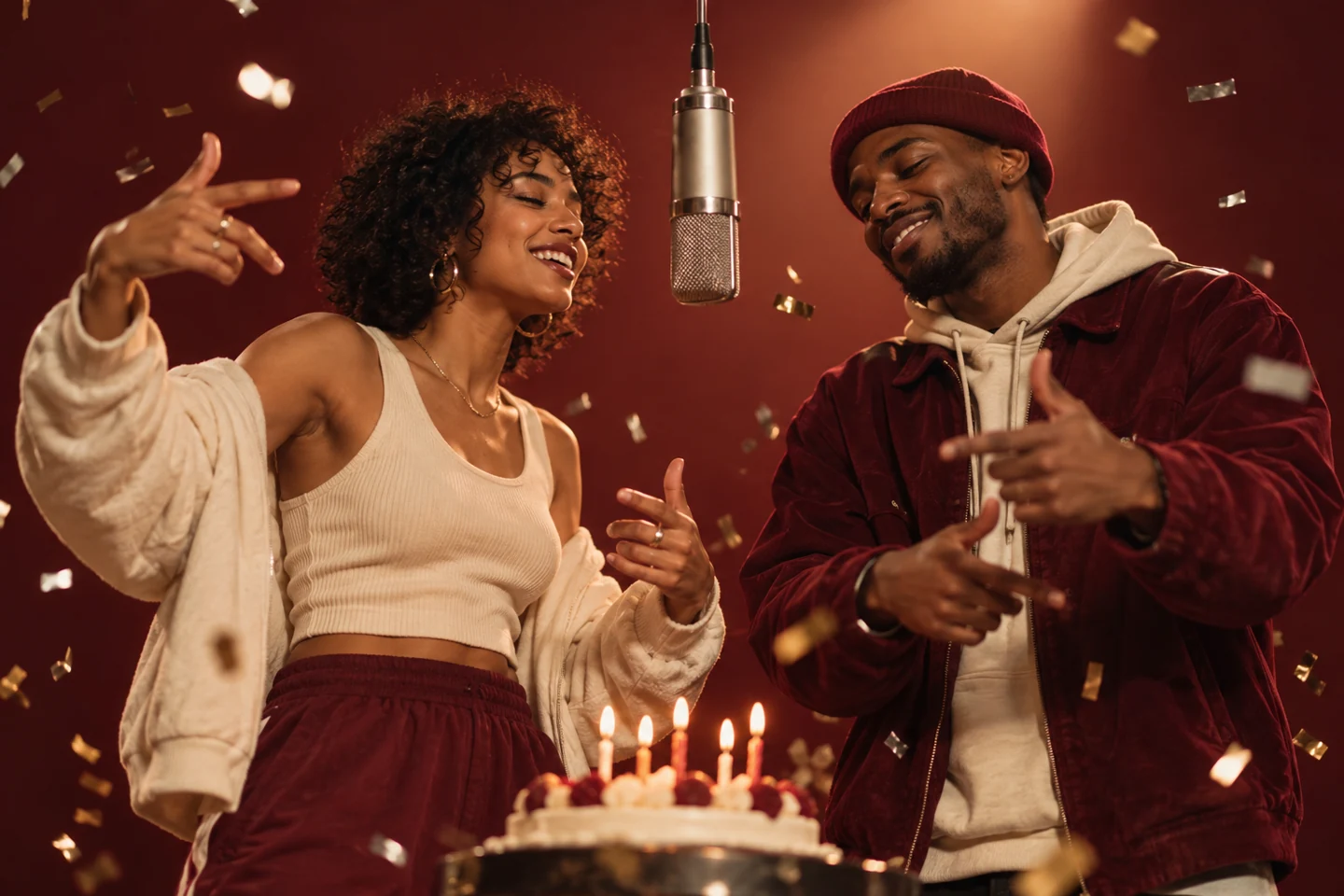 STAGE CONCEPT
Birthday Rap
A celebratory stage for a friend’s birthday. Bring the people who make the occasion.
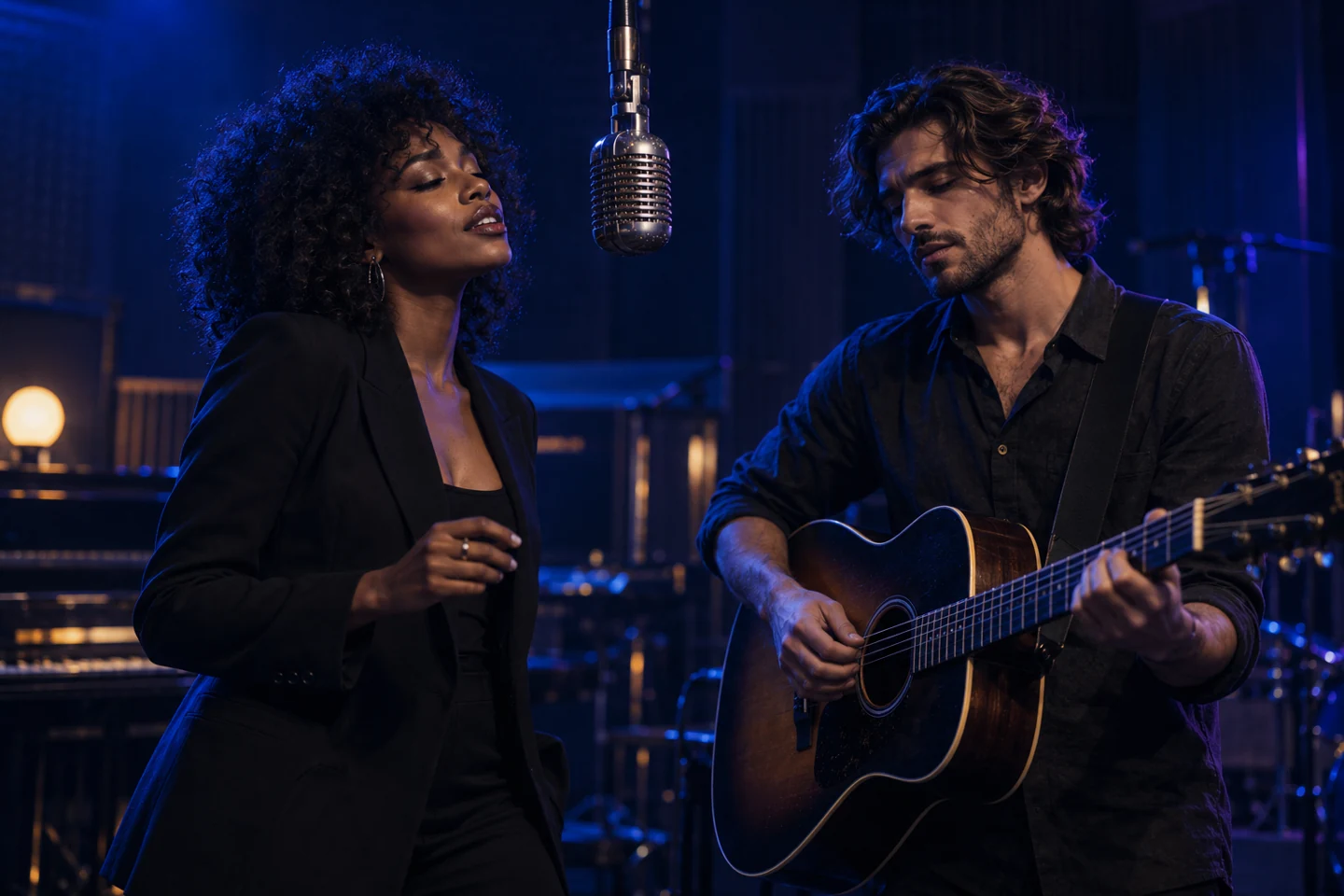 STAGE CONCEPT
Midnight Session
A dark studio and intimate lighting for a late-night duo performance.
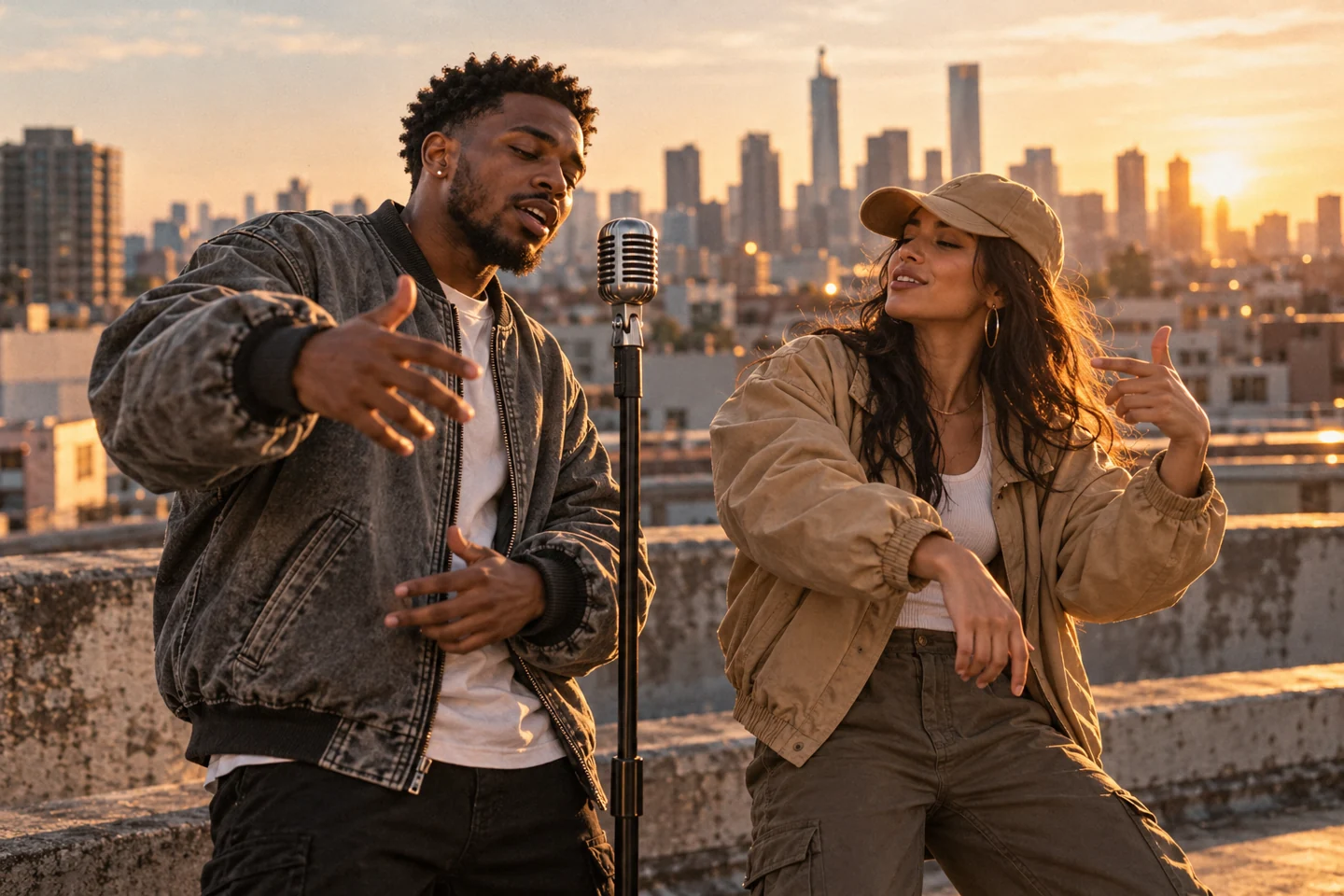 STAGE CONCEPT
Street Cypher
A city-inspired setting for a two-person rap performance.
Original AI artwork. This is a visual concept, not a generated video result.
FAQ
Before you take the mic.
Use only photos and audio you have permission to use.
Can I generate a video right now?+
Generation is not connected yet. Preview photos and save a local draft on the homepage, category page or scene page. The artwork is a concept, not a generated video sample.
What photos should I use?+
Use clear photos of adults who have agreed to take part. Avoid blurred faces, sunglasses, crowded group photos and portraits you do not have permission to use.
Do I need to upload a reference video?+
No. The planned workflow pairs your photos with the reference clip configured for each template. You only choose the effect and provide photos.
Where are my photos stored?+
In this preview, photo previews stay in the current browser tab. Drafts save your topic and settings locally, without your images. Remove a draft to clear that saved setup.
How do credits and subscriptions work?+
PayPal checkout is currently being tested in Sandbox. Test payments do not purchase a deliverable video. Final credit costs, expiry rules and production checkout will be confirmed before launch.